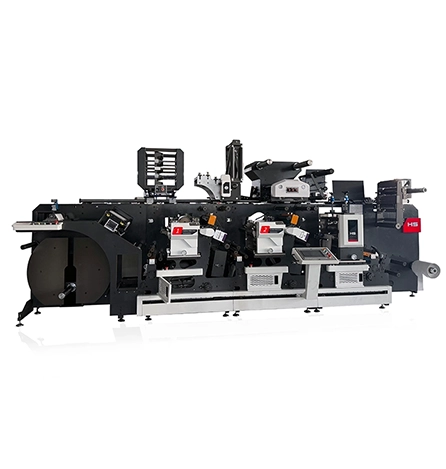
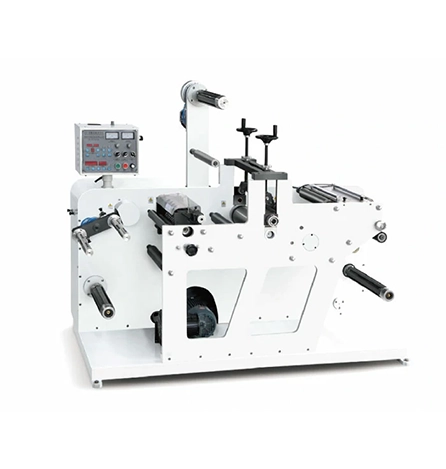
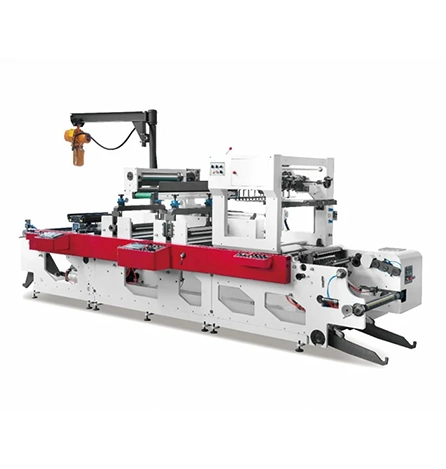
You‘re running a label job on a flexo press. The first few meters look perfect. Then the print starts to drift—colors no longer align, fine text fills in, or solid areas show streaking. By the time you catch it, dozens of meters of label stock are wasted. A Label Flexo Printing Machine producing inconsistent output isn’t a mystery. The defects follow predictable patterns, each pointing to a specific root cause: registration drift, dot gain, ink starvation, drying problems, color inconsistency, or plate wear. This guide walks through each defect, shows you how to spot it from the printed result, and gives you the adjustment sequence that restores quality without a full teardown. These principles apply across most HongSheng label flexo presses, including the HSG‑420 (6 colors) and HSG‑340 series used by converters worldwide for paper film and label production.
Registration drift appears as colors shifting out of alignment as the run progresses. The first few labels are perfect; after 500 meters, the cyan is offset from the magenta. The root cause is almost always web tension variation—the substrate is stretching or shrinking unevenly between print stations.
Low‑cost label materials like thin paper or unsupported film are especially sensitive. As the roll unwinds, tension changes with roll diameter. Without closed‑loop tension control, the web stretches more at the core than at the outside. The result: the print repeat length changes gradually, and registration drifts.
Check the tension readouts if your press has them. For HongSheng‘s inline flexo machines, the double servo drive system provides independent tension control. If the unwind tension is more than 10% higher than the rewind tension, the web is stretching.
Fix. Reduce unwind brake pressure until the web moves smoothly without sagging. On presses with dancer rollers, observe the dancer position at full speed—it should float in the middle of its travel, not at the top or bottom. Tighten the web path inspection: any roller that slips or has uneven drag will introduce tension spikes.
Stop the press and pull the web by hand from unwind to rewind. You should feel uniform resistance across the entire length. If one section pulls harder, that roller or brake needs adjustment.
Dot gain means printed dots are larger than they should be. Fine text becomes muddy, halftones lose detail, and highlight areas fill in. The primary cause is impression pressure too high—the plate is pressing too hard against the substrate, squeezing ink outward from the dot edges. Every flexo printer faces this trade‑off: lower pressure reduces dot gain but risks incomplete ink transfer. Higher pressure ensures coverage but makes dots grow. The solution is to find the minimal pressure that still yields solid coverage. Start with impression pressure at the lowest setting that transfers ink. Then increase in small increments until you see full coverage on a production patch. Stop immediately—any additional pressure only increases dot gain without improving print quality. Also check anilox volume. If the anilox is delivering too much ink, dots will flood regardless of pressure. For fine type and halftones, use an anilox with 600–800 lines per inch and lower volume. For HongSheng label presses, the doctor blade system and precision anilox selection help maintain clean dot reproduction across different substrate types.
Ink starvation appears as pale streaks, incomplete solids, or a “gravel” texture in printed areas. The ink isn‘t reaching the plate in sufficient quantity or uniformity. The most common cause is a worn or damaged anilox roller. Over time, the anilox cells fill with dried ink or ceramic coating wears down, reducing ink-carrying capacity.
How to spot anilox wear. If the problem is consistent across the whole web, the anilox is uniformly worn. If streaking appears in the same position on every repeat, inspect that area of the anilox for debris or damage.
Check the doctor blade. A worn or nicked blade allows excess ink to bypass metering, starving some areas and flooding others. Replace the blade if you see visible nicks or inconsistent ink film across the roll width. Also verify the blade angle—too steep reduces ink transfer; too shallow causes flooding.
Fix. Clean the anilox with a dedicated cleaning solution and soft brush. If cleaning doesn‘t restore uniform ink laydown, measure anilox volume. If it’s below specifications, replace the anilox. For HongSheng presses, the machine‘s ability to handle various substrates—from paper to film to plastic—depends on maintaining anilox condition across different ink types and cleaning routines.
Drying defects show up as smeared images when labels touch after printing (setoff) or as weak ink adhesion. The printed surface feels tacky even after the dryer section. The root cause is incorrect drying temperature or airflow relative to press speed and ink type. Water‑based inks require more drying energy than solvent-based inks. If the press runs faster than the dryer can handle, the ink stays wet. If the dryer temperature is too low, the ink doesn‘t crosslink properly. If temperature is too high on film substrates, the material can stretch or shrink—introducing registration errors. For water‑based flexo printing, drying energy commonly lands in the 7–9 kWh per 1,000 m² range at 150–200 m/min speeds, provided air balance and seals are in good shape. Start by confirming the dryer temperature matches the ink manufacturer’s recommendation. Increase airflow before increasing temperature. If smearing persists, reduce line speed until drying completes. Long‑term, install infrared temperature sensors to bring drying under statistical control and reduce re-runs.
Color drift happens when the same label job looks different from one shift to the next or from roll start to roll end. The most common cause is ink viscosity variation. As solvent evaporates from the ink pan, viscosity rises, ink transfer decreases, and colors shift.
How to confirm. Measure viscosity with a Zahn cup at the start of the run and again after two hours. A change of more than 10% will visibly shift color.
Fix. Install an automatic viscosity controller that adds solvent to maintain target viscosity. If that‘s not available, check and adjust viscosity manually every hour. Mark the target viscosity on a chart near the ink station.
Anilox condition also matters. As anilox cells wear, ink laydown decreases gradually. Operators compensate by increasing viscosity or pressure, which introduces other defects. Keep a log of anilox volume measurements and planned replacement intervals.
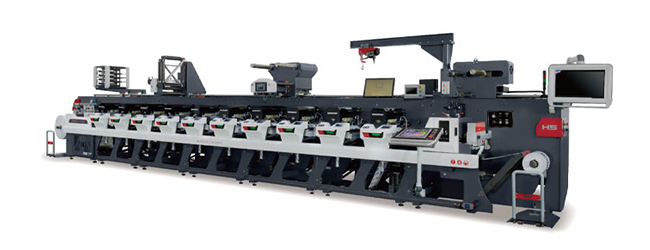
Print quality gradually declines over weeks of production. Fine type loses sharpness, solid areas become uneven, and dot gain increases. The cause is plate wear—photopolymer plates are consumed goods with finite lifespan. Abrasive label stocks (uncoated paper, recycled materials) accelerate plate wear faster than smooth films. Plate wear from abrasive label stocks can be reduced by using harder durometer plates. If the same job printed on a new plate looks perfect and prints poorly on an older plate, wear is the issue. Track plate usage in meters or hours. Replace plates after the manufacturer‘s recommended service life. For high-volume label converters, consider using steel-reinforced plates or ceramic-coated rollers in high‑wear areas. HongSheng’s inline flexo machines are highly customizable, accommodating different label sizes and shapes, but even the best press cannot compensate for a worn plate.
| Defect | Visual Sign | Most Likely Cause | First Adjustment |
|---|---|---|---|
| Registration drift | Colors shift gradually during run | Web tension variation | Balance unwind/rewind tension |
| Dot gain | Fine text fills; halftones muddy | Impression pressure too high | Reduce pressure to kiss impression |
| Ink starvation | Pale streaks; incomplete solids | Worn anilox or damaged doctor blade | Clean anilox; check blade edge |
| Smearing/Setoff | Ink transfers to back of next label | Inadequate drying | Reduce speed; increase airflow |
| Color inconsistency | Same job looks different between runs | Ink viscosity drift | Measure viscosity hourly |
| Image degradation | Gradual quality loss over weeks | Plate wear | Track plate usage; replace at intervals |
Setting impression pressure. Start with the plate cylinder completely backed off. Run the press at target speed. Gradually increase pressure until the full image transfers. That’s your baseline—mark the gauge position.
Adjusting web tension. Set unwind tension just tight enough to prevent web wander. For label stock on a Label Flexo Printing Machine, typical tension ranges from 50–150 N depending on web width. The double servo drive system on HongSheng presses helps maintain consistent tension from full roll to empty core.
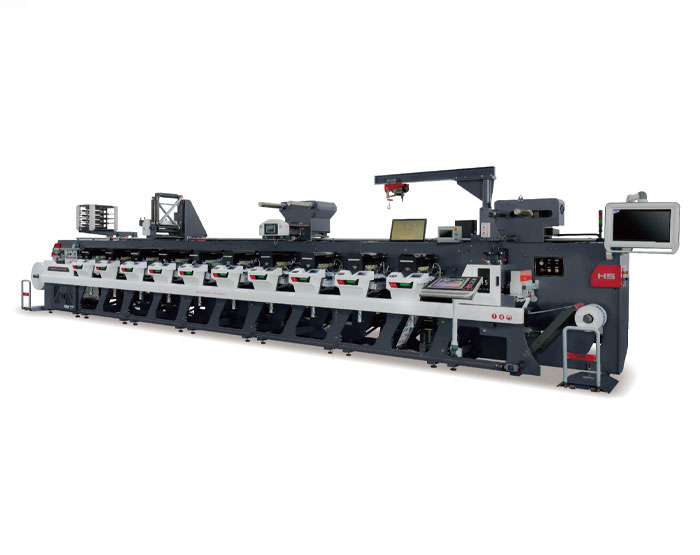
Balancing drying. Start at 120–130°C and adjust based on output. If ink smears, increase temperature or reduce speed. If the substrate curls, decrease temperature. The drying tunnel must be long enough for the applied ink to set before the next color station. The HSG‑420 inline press supports multiple color stations with interstation drying, a key feature for high‑speed label production.
Achieving clean dot reproduction. Use the correct anilox for your image type—200–400 lines per inch for solids, 500–800 LPI for fine type and halftones. HongSheng label flexo printing machines are highly customizable, accommodating various printing needs including different label sizes, shapes, and colors.
Q: Why does my label flexo press print fine at start but drift after 30 minutes? A: Thermal expansion in the press frame or cylinders. As metal components warm up, they change dimension. On presses without active temperature stabilization, this can shift register. Solution: let the press run at speed for 20 minutes before making final registration adjustments. Consider a press with chilled water circulation for temperature‑sensitive work.
Q: Can the same plate be used for paper labels and film labels? A: Not ideally. Film substrates typically require higher impression pressure and different ink formulations. Plates mounted for film may over‑print on paper. Maintain separate plate sets for different substrate families.
Q: What‘s the minimum anilox volume for a 600‑line screen? A: For 600 lines per inch, target 2.0–3.0 BCM (billion cubic microns per square inch). Higher volume floods fine type; lower volume starves it. Consult your anilox supplier for exact specification.
Q: How often should I replace doctor blades? A: Every 50–100 running hours for chrome anilox; every 200–300 hours for ceramic anilox. Inspect at every shift change. Replace immediately if you see streaking or inconsistent color.
Q: Does substrate width affect register stability? A: Yes. Wider webs magnify any tension imbalance. A press that holds register at 800 mm width may drift at 1200 mm. For wide label work, HongSheng‘s heavy‑duty inline construction with precision rollers helps maintain stability.
If you have systematically checked tension, pressure, anilox, drying, and viscosity—and the press still produces inconsistent output—the problem may be deeper. Mechanical issues like worn bearings, misaligned drive gears, or damaged print cylinders require factory‑level repair. Also check gear backlash. In older presses, accumulated play between drive gears causes repeatable registration errors that appear at every cylinder revolution. With the press stopped, grasp the print cylinder and attempt to rotate it by hand. Any perceptible play indicates wear in the drive train. Another sign is consistent misregistration that repeats every cylinder revolution.
Document all adjustments you have tried and the results before contacting support. HongSheng Machinery‘s team provides remote diagnosis and on‑site service for their label flexo printing machines.
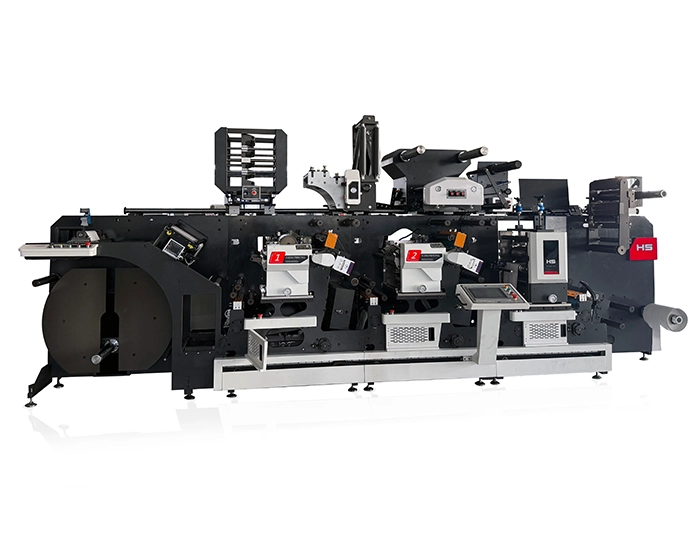
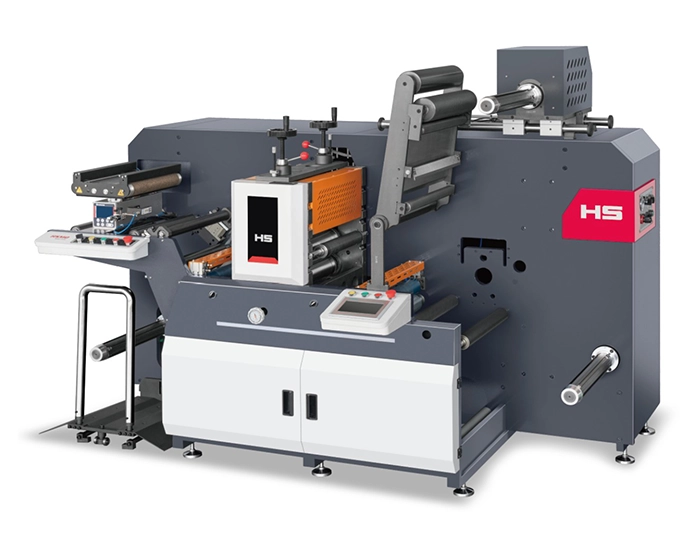
When label defects persist despite operator adjustments, the design of the press itself matters. HongSheng Machinery manufactures a range of Label Flexo Printing Machines built for high‑speed, consistent output on paper, film, labelstock, and shrink sleeve materials. The HSG‑420 (6 colors) and HSG‑340 series feature double servo drive systems for precise tension control from unwind to rewind, doctor blade ink metering for consistent laydown, interstation drying to prevent setoff on long runs, and heavy‑duty frame construction that minimizes vibration. Capable of printing on up to 250 gsm board, shrink labels, BOPP, PET, and PVC monofilm, these machines are highly customizable, supporting different label sizes, shapes, and colors including faster print speeds and versatility across material types. For converters facing downtime from registration drift, dot gain, or drying failures, HongSheng‘s engineering approach—closed‑loop tension, precision anilox selection, and robust drying systems—directly addresses the six root causes covered in this guide.
→ Request a quote from HongSheng Machinery for the HSG‑420 Label Flexo Printing Machine — Share your typical label substrate (paper, film, shrink sleeve), target print speed, and number of colors. Their technical team can recommend the right configuration to minimize defects in your specific application.
GET A QUOTE

 English
 Español
 عربي
عربي